
Install Fancy Text
Download Fancy Text on the Apple App Store or Google Play Store. The app includes the full keyboard extension.
Fonts
More
Get the app


Get Fancy Text
Free on iPhone and Android.

Scan with your phone
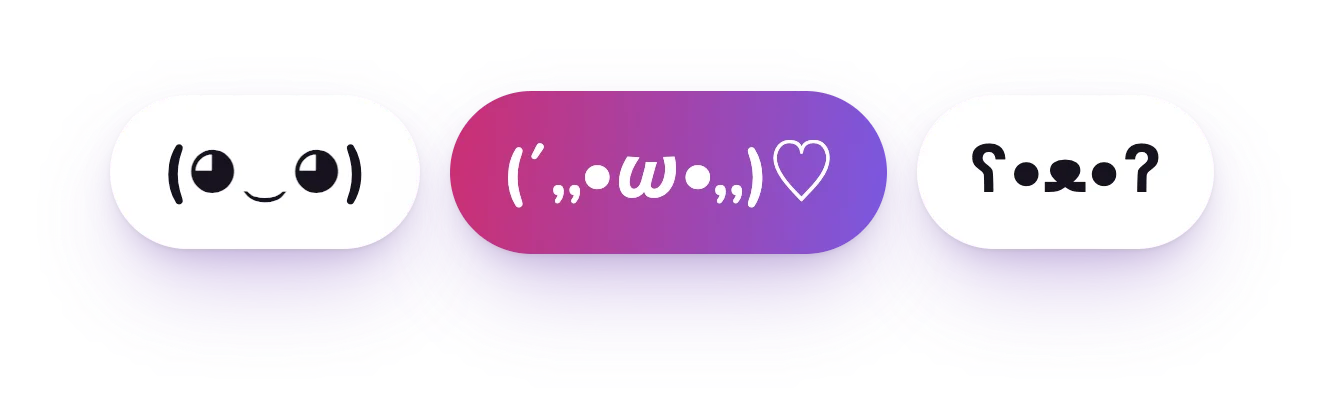
The Fancy Text Kaomoji & Symbol Keyboard gives you instant access to 304 upright Japanese emoticons across 12 moods and 1,191 Unicode symbols across 13 categories on iPhone and Android. Type shrugs, happy faces, aesthetic stars, and hearts in any app with one tap, 100% offline with zero keystroke tracking.
Add Japanese emoticons and aesthetic symbols to your mobile keyboard in under two minutes. Works completely offline without "Allow Full Access".
Download Fancy Text on the Apple App Store or Google Play Store. The app includes the full keyboard extension.
On iPhone: Settings › General › Keyboard › Keyboards › Add New Keyboard › Fancy Text. On Android: Settings › On-screen keyboard.
Open any app (Instagram, WhatsApp, TikTok). Tap the Globe or keyboard switcher key to switch to Fancy Text.
Tap (✿) for 304 emoticons by mood or (★) for 1,191 symbols. Tap any item to insert it directly into your message.
Browse upright Japanese emoticons by emotion. Tap any tile to copy it instantly to your clipboard. Want the full searchable catalogue? Visit the complete kaomoji directory.
Aesthetic stars, hearts, arrows, and decorative dingbats built directly into the keyboard. Browse the full list on the Unicode symbols page.
Complete breakdown of all 304 emoticons, 1,191 symbols, privacy architecture, and compatibility.
| Kaomoji Emoticons | 304 Japanese emoticons organized across 12 expressive mood categories |
|---|---|
| Kaomoji Moods | Joy/Happy, Love, Shrug, Anger/Table Flip, Sad/Crying, Surprised, Animals, Cute, Wink, Confused, Thinking, Music |
| Unicode Symbols | 1,191 symbols organized across 13 categories (Stars, Hearts, Arrows, Flowers, Math, Currency, Dingbats, etc.) |
| Keyboard Integration | Dedicated Kaomoji (✿) and Symbol (★) tabs with fast category pill filtering |
| Input Method | One-tap insertion directly at the cursor location inside any text input field |
| Privacy & Security | Works without Full Access on iOS; 100% offline, zero keystroke logging, no telemetry |
| Supported Social Apps | Instagram, TikTok, WhatsApp, Discord, Snapchat, Roblox, iMessage, SMS |
| Device Availability | iOS 15.0+ (iPhone & iPad) and Android 8.0+ (smartphones & tablets) |
Updated 31 October 2026
Kaomoji (顔文字, literally "face characters") are Japanese emoticons created using text characters, punctuation marks, and symbols (like ¯\_(ツ)_/¯ and (◕‿◕)). Unlike graphical emojis which turn into yellow smiley icons, kaomoji remain upright text characters that look identical on every device.
Install Fancy Text from the App Store and enable it in Settings › General › Keyboard › Keyboards. When typing in any app, tap the Globe (🌐) icon to open the Fancy Text keyboard, then tap the Kaomoji (✿) tab to browse all 304 kaomoji sorted by mood.
Inside the Fancy Text keyboard, tap the Symbol (★) tab located on the top bar. You will find 1,191 aesthetic symbols arranged into 13 categories: aesthetic stars (★, ✦, ✧), hearts (♥, ♡, ❥), arrows (➔, ➳), flowers (✿, ❀), math signs, and currency symbols.
Yes. Every kaomoji and symbol in Fancy Text is composed of valid Unicode characters supported natively by iOS, Android, Windows, and macOS. They will never appear as blank question mark boxes or broken characters.
Yes. Kaomoji and symbols are standard text, making them fully compatible with Instagram bios, TikTok video captions, Discord custom statuses and channel names, WhatsApp statuses, and Roblox player names.
Insert Japanese emoticons, aesthetic stars, and hearts into Instagram bios, TikTok captions, and WhatsApp.