
Heart Border
♥♡♥ Love you ♥♡♥
♥♡♥ Aa Bb Cc Dd Ee Ff Gg Hh Ii Jj Kk Ll Mm Nn Oo Pp Qq Rr Ss Tt Uu Vv Ww Xx Yy Zz ♥♡♥
Fonts
More
Get the app


Get Fancy Text
Free on iPhone and Android.

Scan with your phone
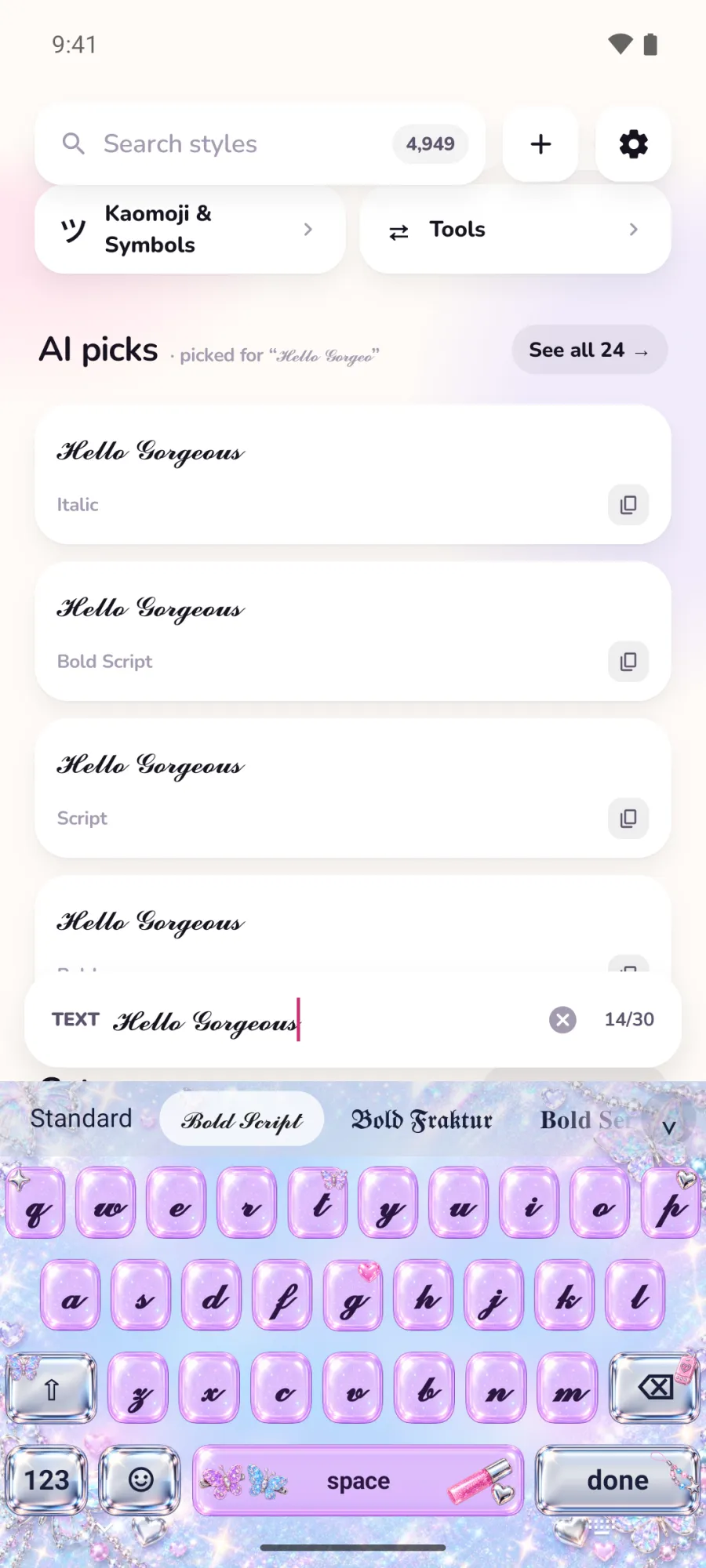
The Fancy Text love keyboard lets you type in five heart fonts, including Heart Border and Ribbon Wrap, on iPhone and Android. Pick from four love themes and the Jelly Heart key pack, then add 25 love kaomoji and 10 heart symbols from the keyboard tabs. It works offline and without Full Access.
Each style wraps your letters in hearts or ribbons as you type. Tap Copy Sample to try one here, or make longer text with the love font generator.
♥♡♥ Love you ♥♡♥
❥❤❥ Love you ❥❤❥
L♥o♥v♥e ♥y♥o♥u♥
♡ Ⓛⓞⓥⓔ ⓨⓞⓤ ♡
𝐋♥𝐨♥𝐯♥𝐞♥ 𝐲♥𝐨♥𝐮♥
Coming in the next app update: applying a love theme also switches on heart keys and the Heart Border font, all in one tap. See every look on the keyboard themes page.
Deep red and pink with heart accents.
Warm rose gold with soft sparkle accents.
Pink to violet with paired hearts.
Heart-shaped jelly keys with a bubble pop sound. Works with any theme.
The keyboard's Kaomoji and Symbols tabs have a love set built in. Tap any tile to copy it. More on the kaomoji keyboard page.
What the love set includes and where it works. See everything in the keyboard.
| Heart Fonts | Heart Border, Ribbon Wrap, Heart Spaced, Circled + Hearts, Bold + Heart Right |
|---|---|
| Love Themes | Heartbeat, Rose Gold, Lovers, Valentine Hearts |
| Key Pack | Jelly Heart: heart-shaped jelly keys with a bubble pop sound |
| Love Kaomoji | 25 love kaomoji in the Kaomoji tab, out of 304 in total |
| Heart Symbols | 10 heart symbols in the Symbols tab, out of 1,191 in total |
| Privacy | Works offline and without Full Access on iOS; nothing you type is sent anywhere |
| Devices | iPhone, iPad and Android phones and tablets |
Updated 31 October 2026
Turn on the Fancy Text keyboard, switch to it with the globe key, then tap a heart font such as Heart Border in the font bar above the keys. Everything you type comes out in that style until you pick another font.
Yes. The heart fonts are built from standard Unicode letters and heart symbols, so they show up as text on any phone or computer. Nobody needs to install a font to read them.
Heartbeat, Rose Gold, Lovers and Valentine Hearts. Pair any of them with the Jelly Heart key pack for heart-shaped keys. In the next app update, applying a love theme sets the heart keys and the Heart Border font in one tap.
Open the Kaomoji tab and choose Love for 25 love kaomoji, or open the Symbols tab and choose Hearts for 10 heart symbols. Tap any item to drop it into your message.
Add heart fonts, love themes and heart keys to your iPhone or Android keyboard. Works offline, no Full Access needed.